A MacBook that suddenly shows nothing — no Apple logo, no keyboard light, no fan — feels like the end. But in most cases the problem is one failed part on the logic board or in the charging path, and it can be repaired at component level. Here’s how to narrow it down.
Quick checks you can do first
- Try another charger and cable. USB-C chargers fail more often than people think. Use a genuine Apple charger of the right wattage if possible.
- Leave it on charge for 30 minutes. A fully drained battery may need time before the Mac responds.
- Try a power reset: on Intel MacBooks, hold Shift + Control + Option + Power for 10 seconds; on Apple-silicon (M1, M2, M3 and newer) Macs, hold the power button for 10 seconds and then press it again.
- Connect an external display. If the Mac starts on the external screen, the fault is in the display or its cable, not the board.
Common causes we find on the bench
- Liquid damage — even a small tea or water spill can corrode the board days later.
- Charging circuit faults — damaged USB-C port controllers or power ICs, often after using a cheap charger.
- Shorted capacitors or power lines that stop the Mac from starting.
- Display backlight or flex cable faults — the Mac is on, but the screen stays black.
- Battery failure — a swollen or completely dead battery can stop some models from booting.
What a board-level MacBook repair involves
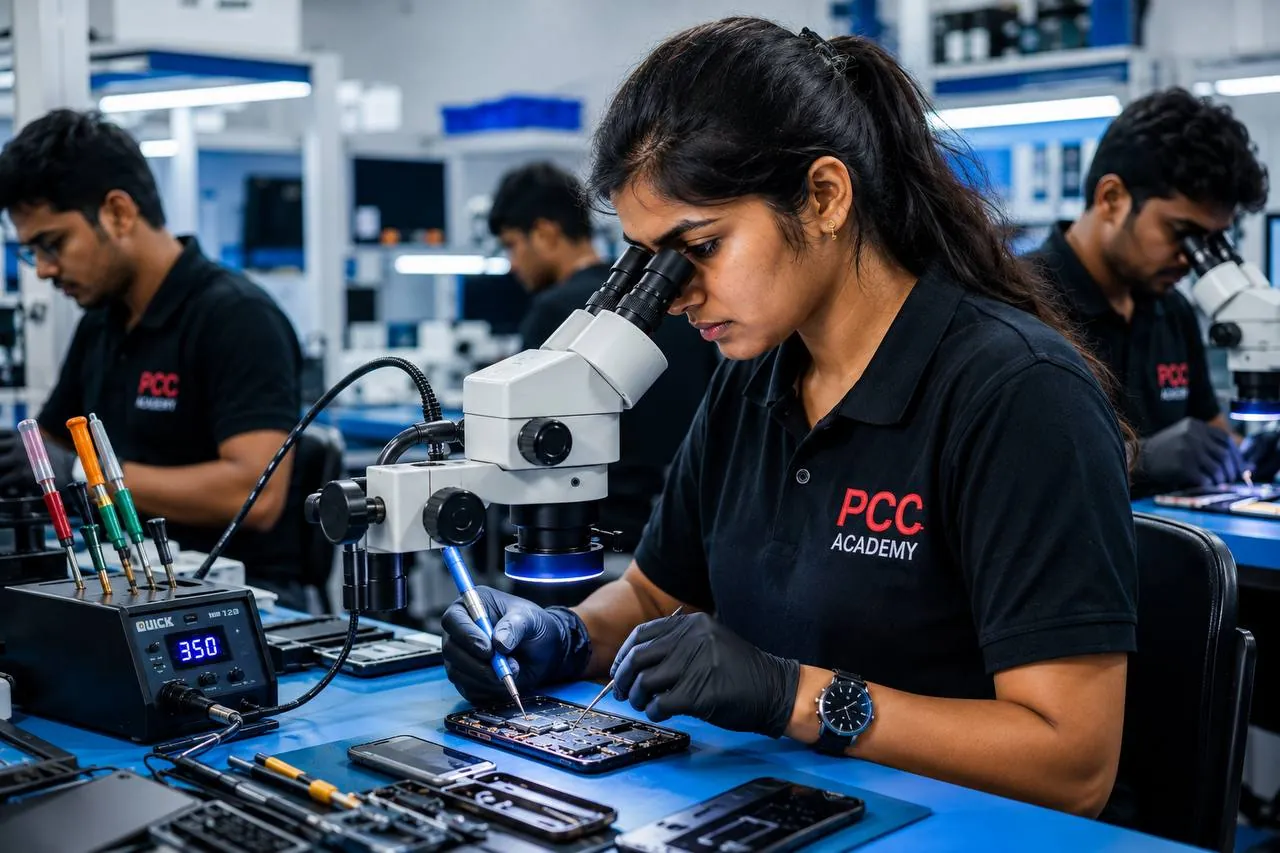
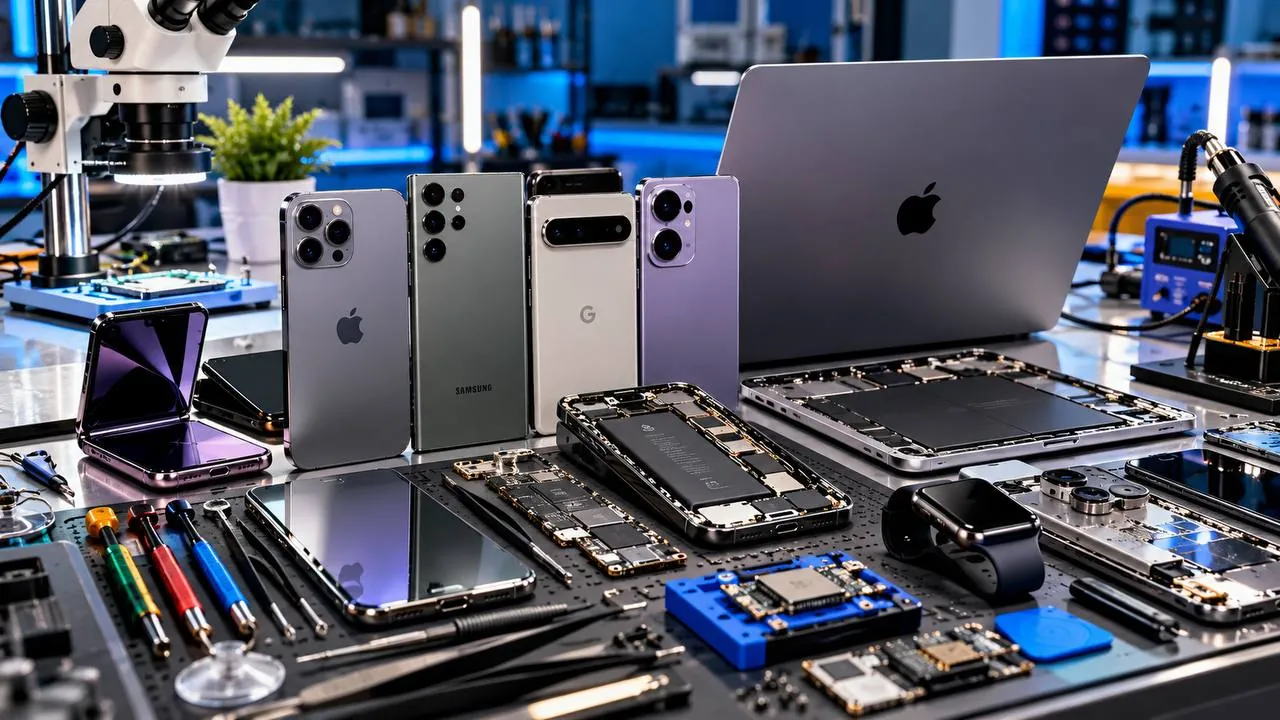
We measure power at each stage of the startup sequence with a bench power supply and multimeter, use the board schematics to find which rail is missing or shorted, and inspect the area under a microscope. The faulty component is replaced or the corroded area is cleaned and repaired. This is usually much cheaper than replacing the whole logic board — and your SSD data normally stays intact, which matters on Apple-silicon Macs where storage is soldered to the board.
Protect your Mac until it’s repaired
- If liquid went in, switch it off, unplug it and keep it open in an upside-down “tent” position. Do not try to switch it on again.
- Do not keep plugging in different chargers if the Mac gets hot.
- Bring the charger along so we can test it too.
Prasad Cell Care repairs MacBook Air and MacBook Pro boards at our Daba Gardens lab. See our Mac repair service or WhatsApp us on 99499 48994.